Find where any
photo was taken.
An app that reads a photo and finds the real place, with no location tag needed. It began as a class final project and is now live on the App Store.
Finder helps travellers find the real location of a place they see in a photo. So often the best spots come from someone else's post, a café, a viewpoint, a quiet street, but the location is never tagged. Planning a trip to Hawaii, I kept saving beautiful places from other people's posts and could never work out where they actually were. So I decided to build the tool I wished I had.
A photo without a location tag is a place you can't reach.
Read the photo the way a person would.
Rather than relying on hidden metadata, Finder looks for the visual clues we all notice: the landmarks, the architecture, the street signs, the plants and the light. AI reasons through those clues to name the place, then pins the exact spot on a map. The whole idea started as three screens drawn by hand.
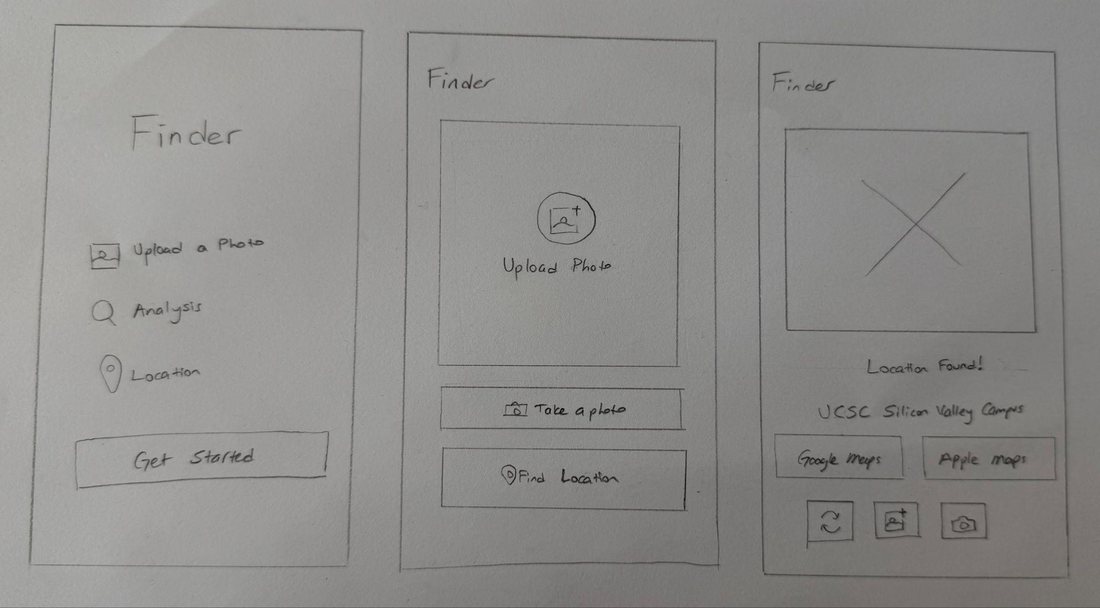
Introducing Finder, a travel companion that turns any photo into a place you can go.
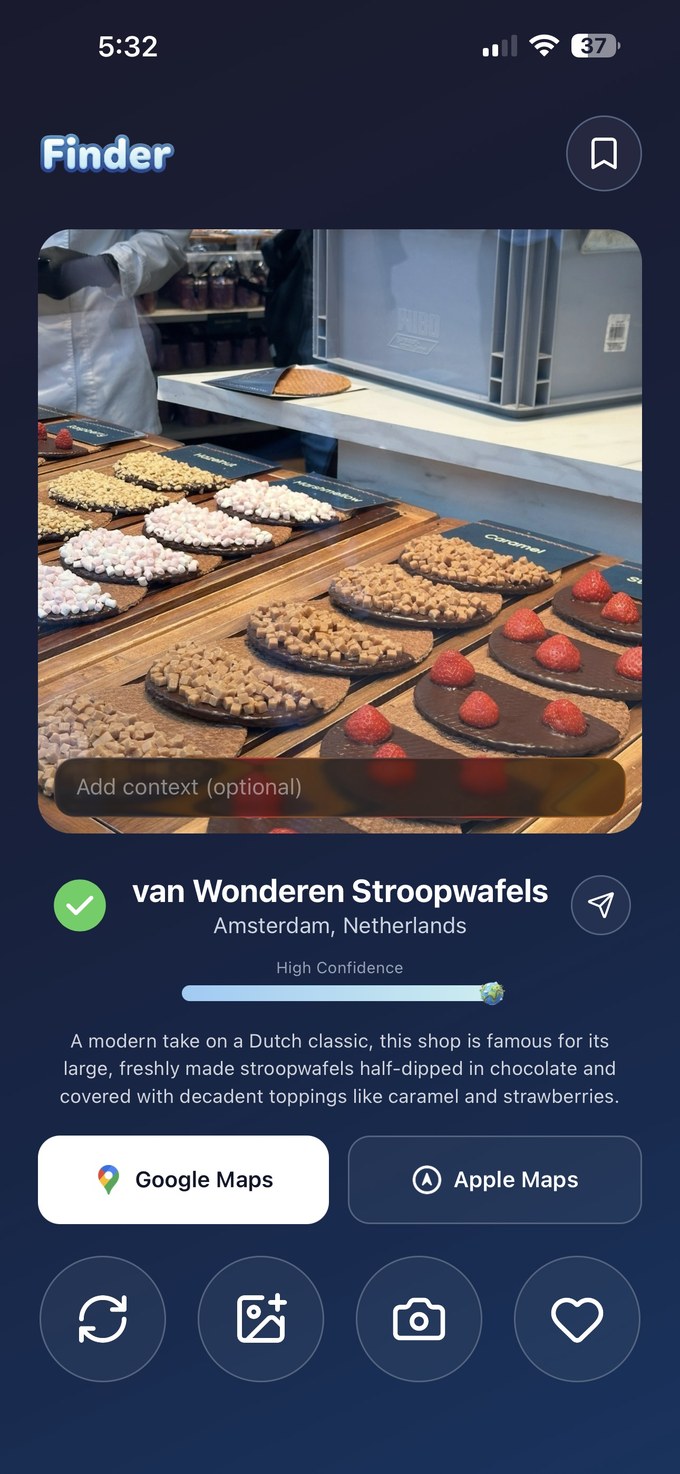
You upload an image, and in seconds you get the location, a short summary of the place, and how confident the AI is about it.
From a photo to a real place.
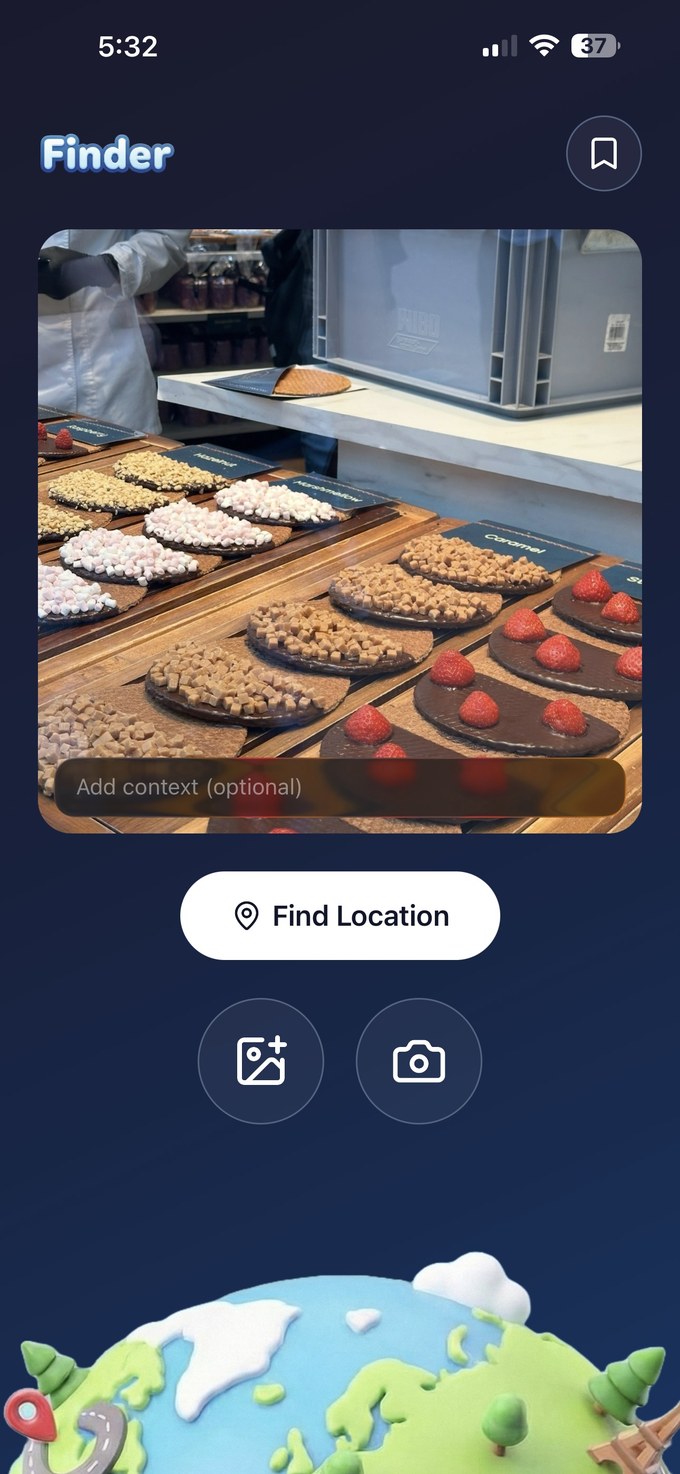
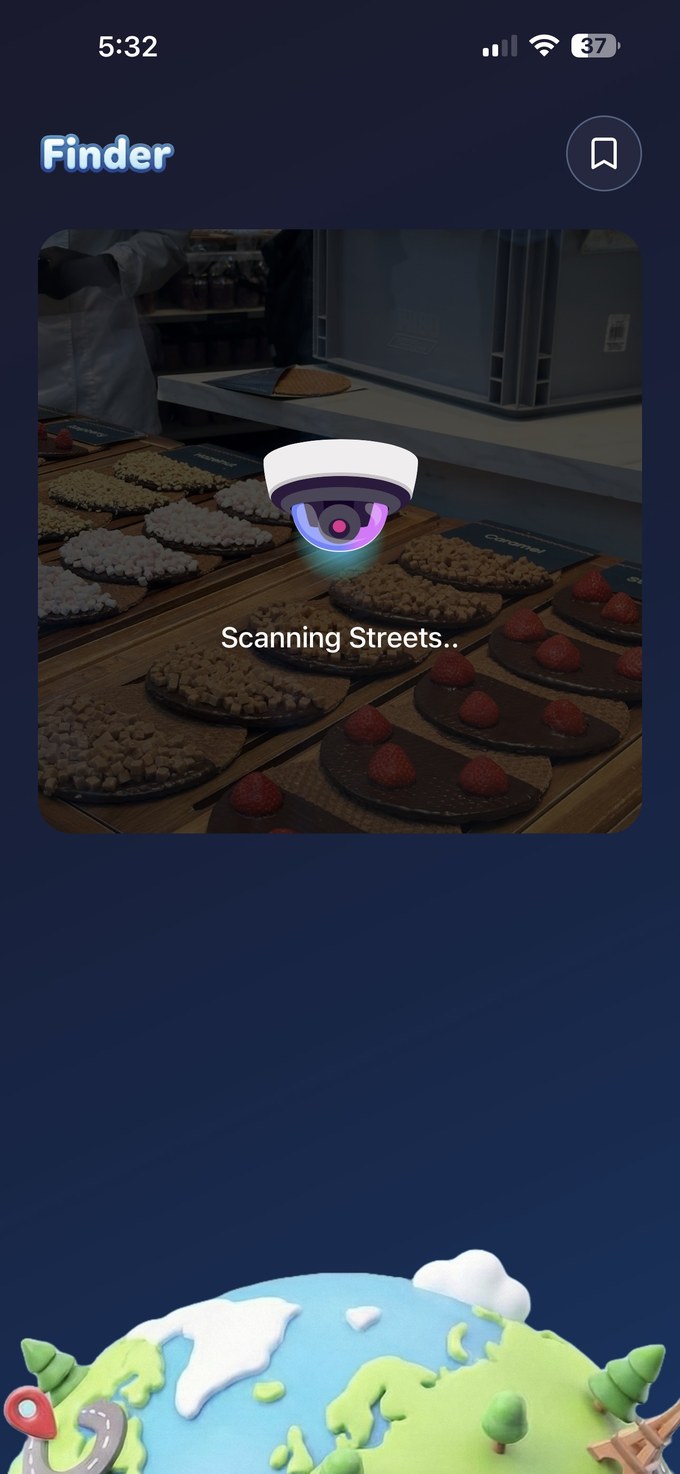
The whole experience is one straight path. You open the app, upload a photo or take one, add an optional hint if you like, and let Finder scan for clues. When it finishes, it returns the place, a short summary, and a confidence score, so there is never a moment of wondering what to do next.

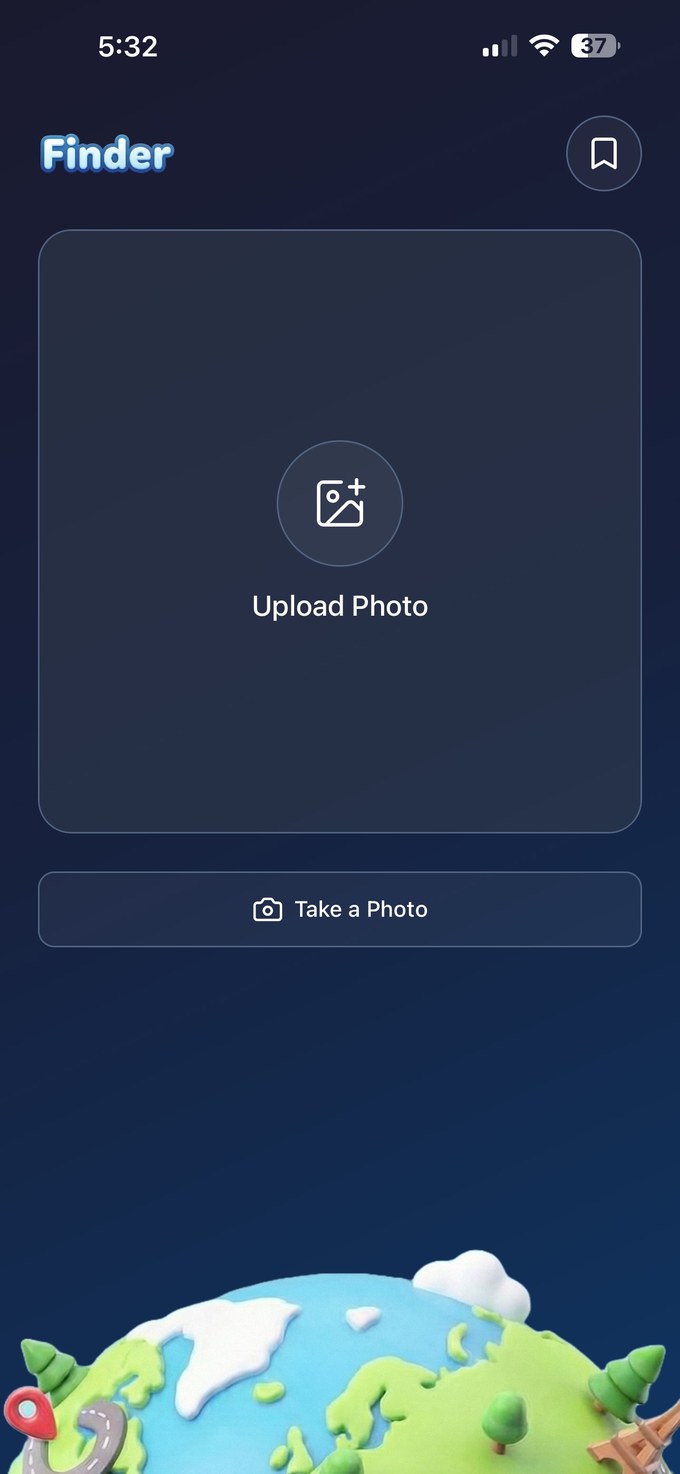
Keep the places you love.
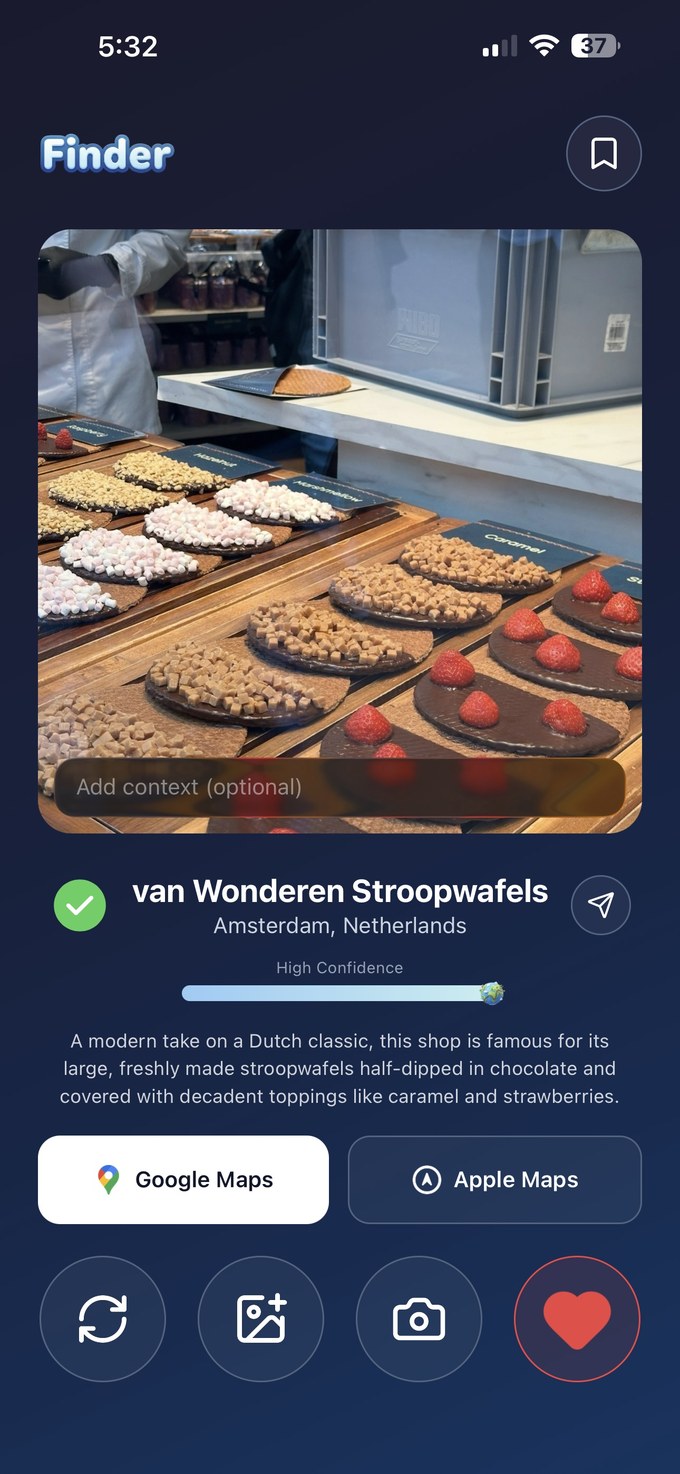
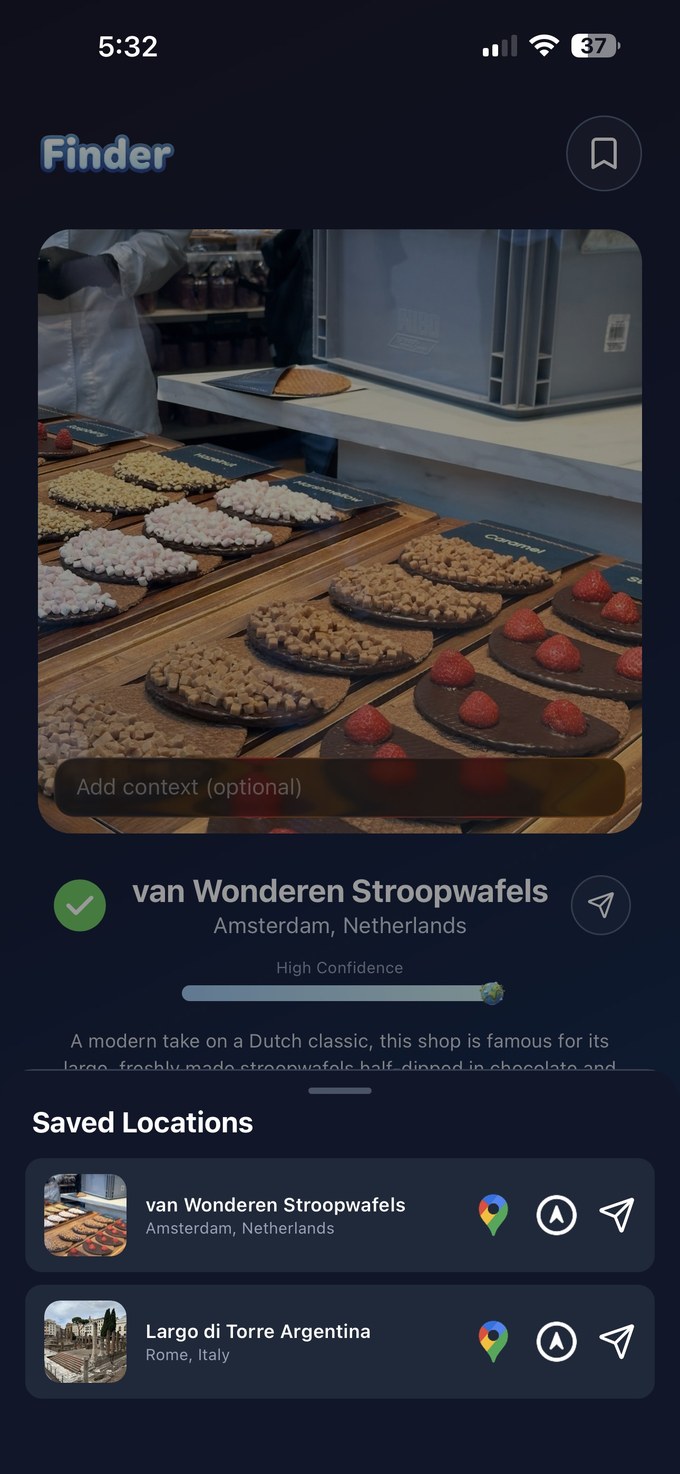
Because the goal is a real trip, every result can be saved with a single tap of the heart. Saved places gather into one list that opens straight into Google or Apple Maps, so the photos you loved become the itinerary you follow.
Confidence you can see.
AI is only useful when you can trust it. Every result shows how sure Finder is, alongside a short summary of the place, so you can decide for yourself whether to rely on it before you travel. An optional context field lets you add a hint and sharpen the search.

A visible confidence score is more trustworthy than a confident wrong guess.
- 01Kept the flow to one straight path. Open, upload, scan, result, with nothing in the way.
- 02Read the image itself, never hidden metadata. It works even on a screenshot.
- 03Showed how sure it is. Confidence and a summary build trust before the trip.
- 04Made saving and opening in Maps a single tap. The value is getting there, and remembering.
What began as a class project is now on the App Store, rated 5.0.
After the course I kept refining the design, added new features, and shipped it. Today real travellers use it to find and save the places they love.
Shipping taught me more than any brief could. Real reviews became my usability tests, showing me what people trusted, what confused them, and what kept them coming back.
Next I would like to run proper usability sessions with travellers, add richer detail to each place, and make it simple to share a find with friends.